Each requirement set by the Department of Home Affairs exists for a specific reason. Understanding the logic behind each rule helps you capture a compliant photo on the first attempt.
📐Photo Size
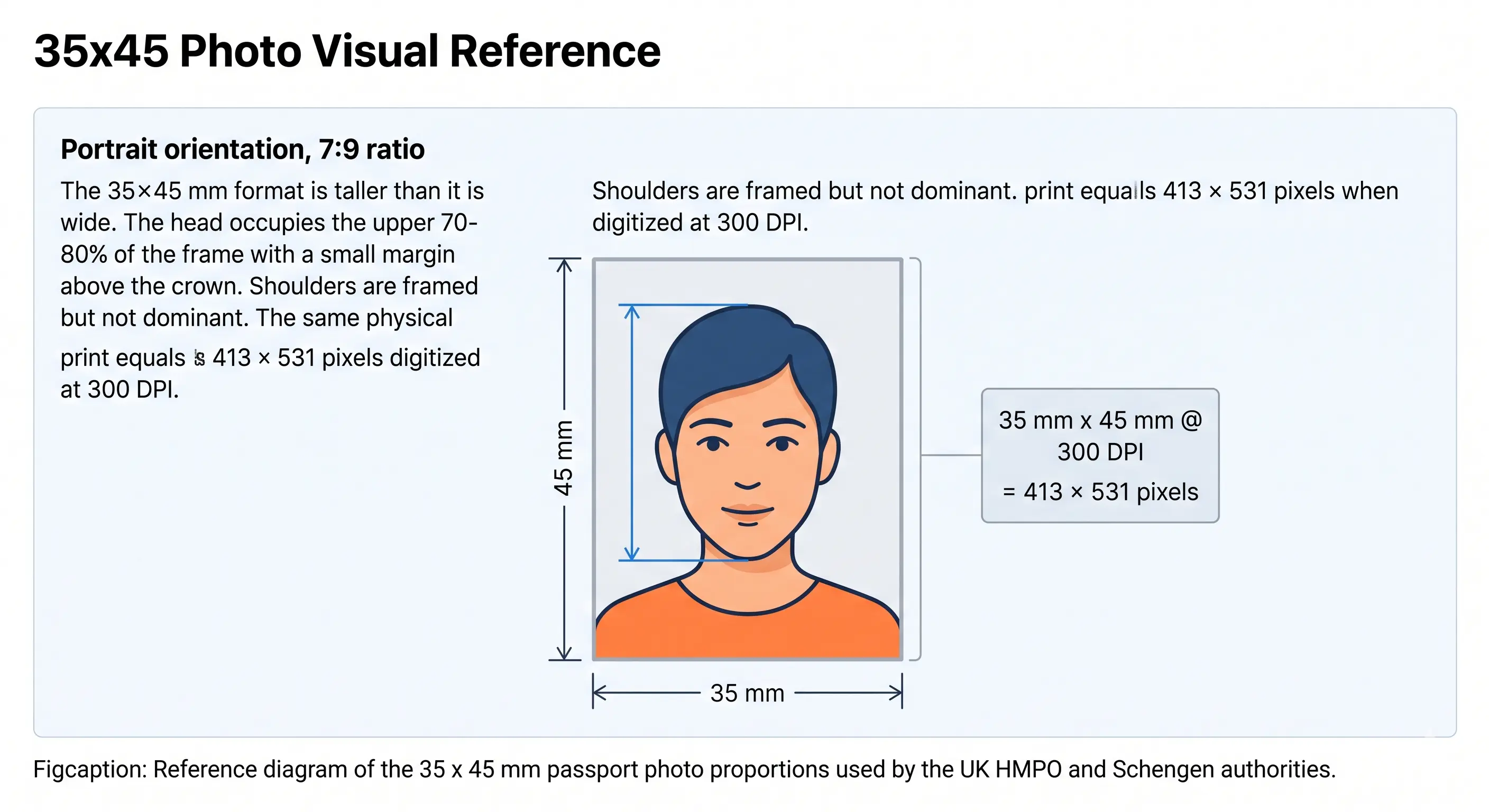
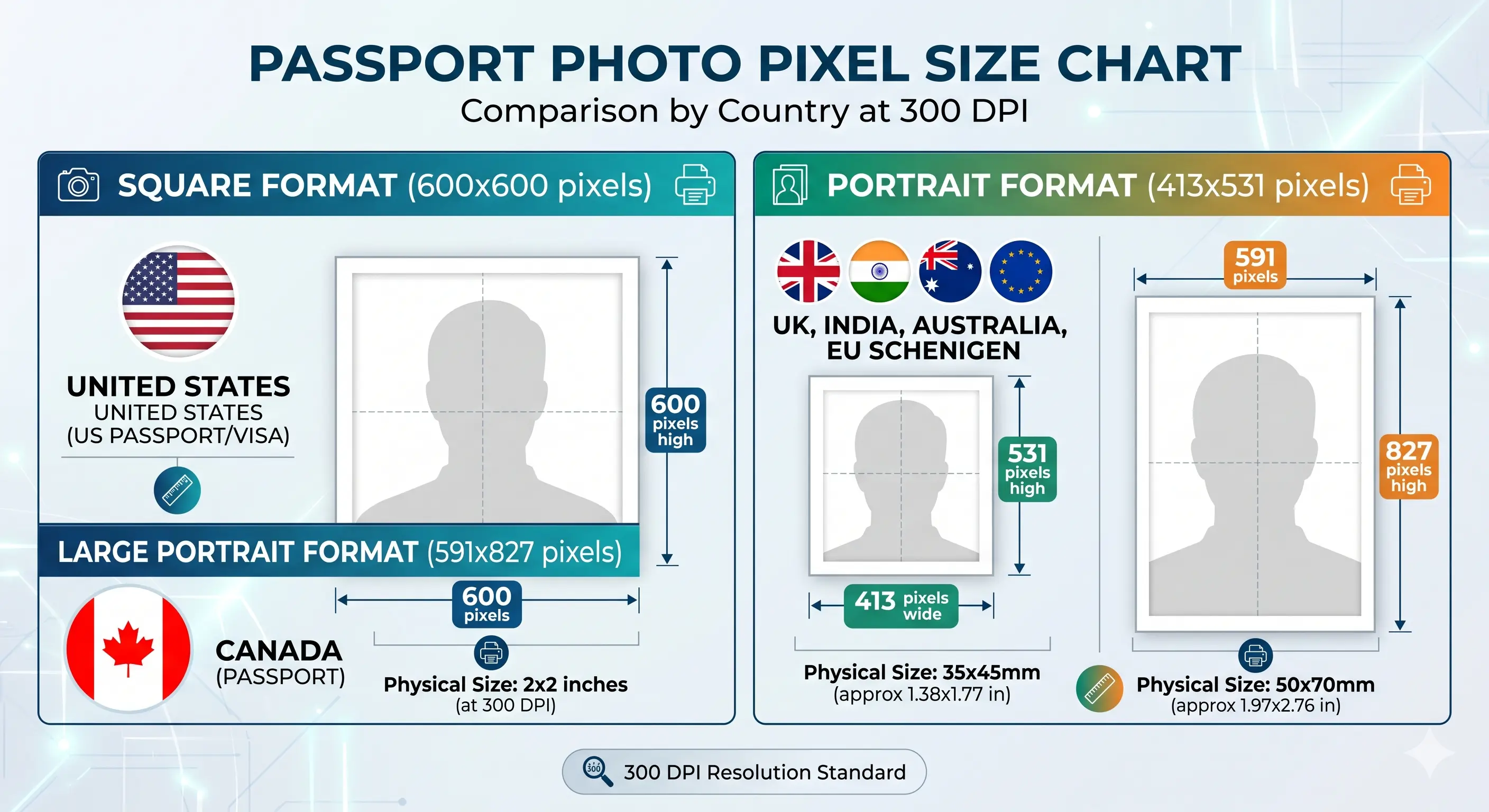
The standard 35×45mm dimension is identical to the Australian passport photo size. This consistency allows immigration officers to compare photos across different documents efficiently. The aspect ratio is fixed and cannot be approximated — even a 1mm deviation can cause automatic rejection during digital processing.
Spec: 35mm wide × 45mm tall
👤Head Size
Your head, measured from the bottom of your chin to the top of your head (not including hair), must fall between 32mm and 36mm within the frame. This accounts for roughly 71–80% of the photo height. A head that is too small leaves too much background; too large and the cropping guidelines are violated. Our tool enforces this automatically with face detection. Full detail is in the head size rules.
Head height: 32mm – 36mm
🎨Background
Only a plain white or very light grey background is accepted. No patterns, textures, gradients, or furniture may appear. The single most common reason for background rejection is shadow — either behind the head or on the background surface itself. Stand at least one metre from any wall when taking the photo. Outdoor photos are acceptable only if the sky is overcast and uniform white. See the background colour rules and shadow rules.
Colour: plain white or light grey, no shadows
😐Expression
A neutral expression is required. Your mouth must be closed with lips together but relaxed. Smiling, frowning, pouting, or raising eyebrows are not permitted. The reasoning is biometric — facial recognition algorithms used at Australian border control need a baseline neutral expression for accurate matching. Even a slight smile can alter key facial measurements. See the smile rules.
Neutral, mouth closed, eyes open and forward-facing
👓Glasses
Glasses of any kind — prescription, reading, sunglasses, or tinted lenses — are not permitted. This rule was updated by the Department of Home Affairs to align with international biometric passport standards. Reflections from lenses obscure the eyes, and tinted lenses alter the apparent skin tone. The only documented exception is a medically necessary eye covering supported by a signed doctor's letter. See the glasses rules.
No glasses. No exceptions without medical documentation.
💇Hair & Head Coverings
Hair must not fall across the eyes or obscure the outline of the face. A long fringe is one of the quieter causes of failure because it breaks facial-landmark detection without looking obviously wrong to the applicant. Head coverings worn for religious reasons are permitted provided the full face from chin to forehead stays visible with no shadow across the features. Hats and decorative headwear are refused. See the hair rules and head covering rules.
Face outline clear; religious coverings permitted
💡Lighting
Lighting must be even, diffused, and consistent across the entire face. There should be no hotspots (overexposed patches), no shadows under the nose or chin, and no dark areas around the eyes. Professional photographers use a softbox or umbrella to achieve this. At home, diffused natural daylight from a window works well — position yourself facing the window without direct sunlight hitting your face.
Even, diffused light — no shadows anywhere on the face
📁Digital Upload
When uploading digitally through ImmiAccount or the visa application portal, the photo must be a JPEG file with a minimum resolution of 600×750 pixels. Most portals also cap the file size at 1MB. The photo must not be compressed heavily — visible JPEG artefacts around the face or hair edges can trigger rejection. Our tool exports at the correct resolution and compression level automatically. Wider portal rules are covered in the digital passport photo requirements guide.
JPEG, min 600×750px, typically under 1MB
🖨️Printing
Paper applications require two identical printed colour photos. These must be printed on professional photographic paper — not standard office paper — in glossy or matte finish. Home printing is acceptable if you have a quality photo printer. Alternatively, chemists such as Chemist Warehouse and Priceline, post offices, and retail photo labs (Harvey Norman, JB Hi-Fi, Officeworks) can print from a USB or via their in-store kiosk using our 4×6 multi-copy layout. Full detail is in the print at home guide.
2 prints on photo paper, glossy or matte